
Appearance
Getting started
Everything you need on your first day: signing in, protecting your account, and finding your way around the menus, dashboard and notifications. The chapter applies to everyone, whatever your role.
Before you start
You need three things:
- Your Kipdesky web address. For most companies this is
https://hcm.kipdesky.com. - Your email address and password. Your HR or system administrator creates your login. You'll get an email with a link to set your own password, and the link is valid for 7 days.
- A current web browser. Use an up-to-date Chrome, Edge, Firefox or Safari, on a computer, tablet or phone.
What you see depends on your role
Kipdesky only shows the menus and buttons that your role allows. If a colleague can see something you can't, ask your administrator to check your role. Nothing is wrong with your account.
In this chapter
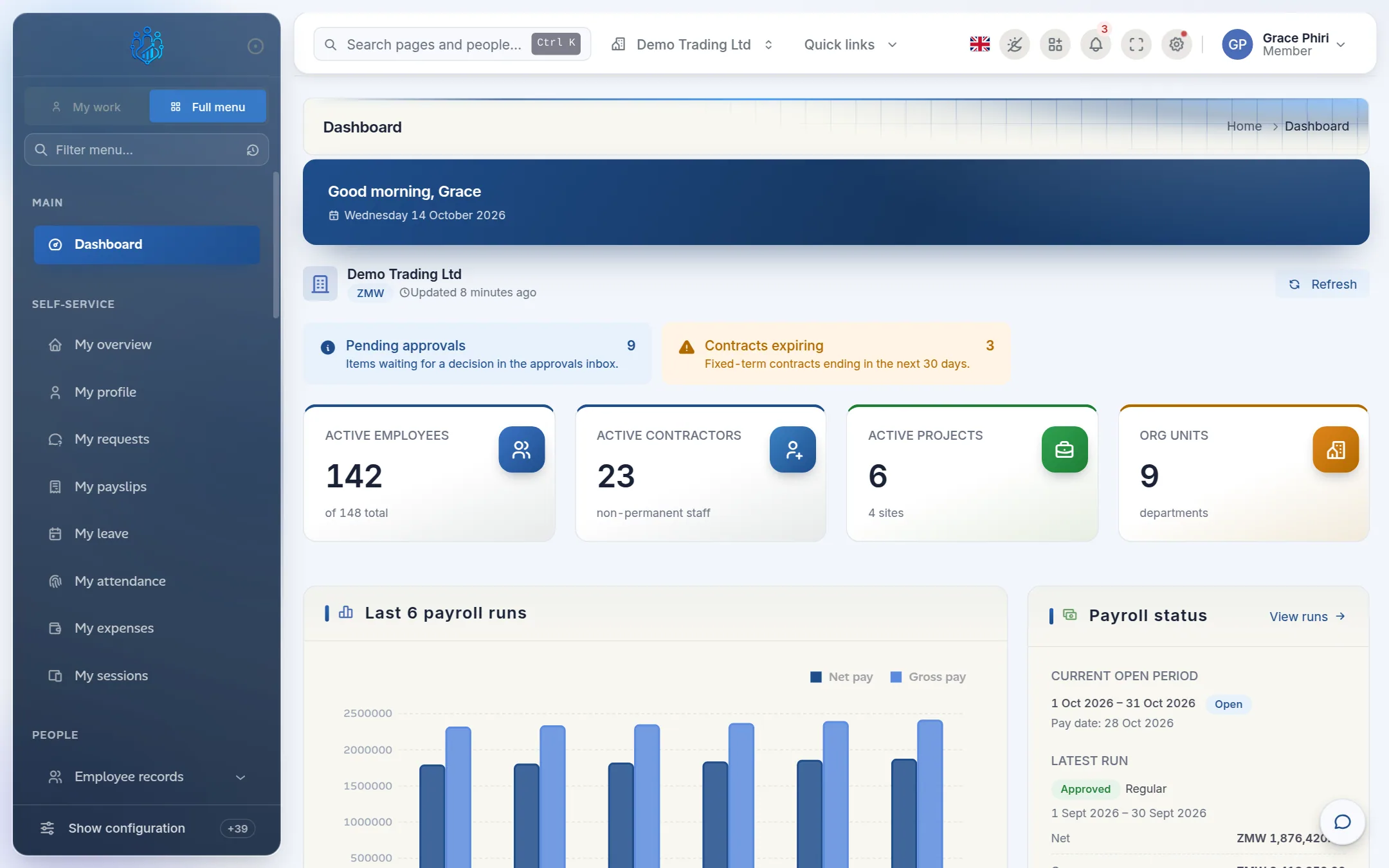
Signing inSign in, stay signed in, sign out, and what to do if you are locked out.Two-step verificationAdd an authenticator app so a password alone can’t open your account.PasswordsReset a forgotten password, change your password and the password rules.Finding your way aroundThe sidebar, search, pinned pages, switching company and using a phone.Your dashboardWhat each part of the dashboard tells you and how to keep it up to date.Profile and settingsYour profile, signed-in devices and display preferences.Notifications and approvalsThe notification bell, the notifications page and the approvals inbox.