Browse by module
Getting startedSigning in, two-step verification, passwords, navigation, your dashboard and profile.FinanceChart of accounts, journals, bank reconciliation, budgets, period close and financial reports.People and HREmployee records, contracts, documents and the organisation chart.In preparation
PayrollPay runs, payslips, statutory deductions and bank payment files.In preparation
LeaveLeave types, requests, approvals and balances.In preparation
Time and attendanceClock-ins, timesheets, shifts and biometric devices.In preparation
ExpensesExpense claims, petty cash and reimbursements.In preparation
Procurement and inventoryPurchase orders, vendor invoices, stock and stocktakes.In preparation
How to use this manual
Each module chapter follows the same layout:
- Overview – what the module is for and who normally uses it.
- Step-by-step guides – numbered steps with a screenshot of each screen you'll see.
- Tips and common mistakes – the things that catch people out.
- FAQs – short answers to the questions our support team gets asked most.
Press / or click Search the manual at the top of any page to search every chapter.
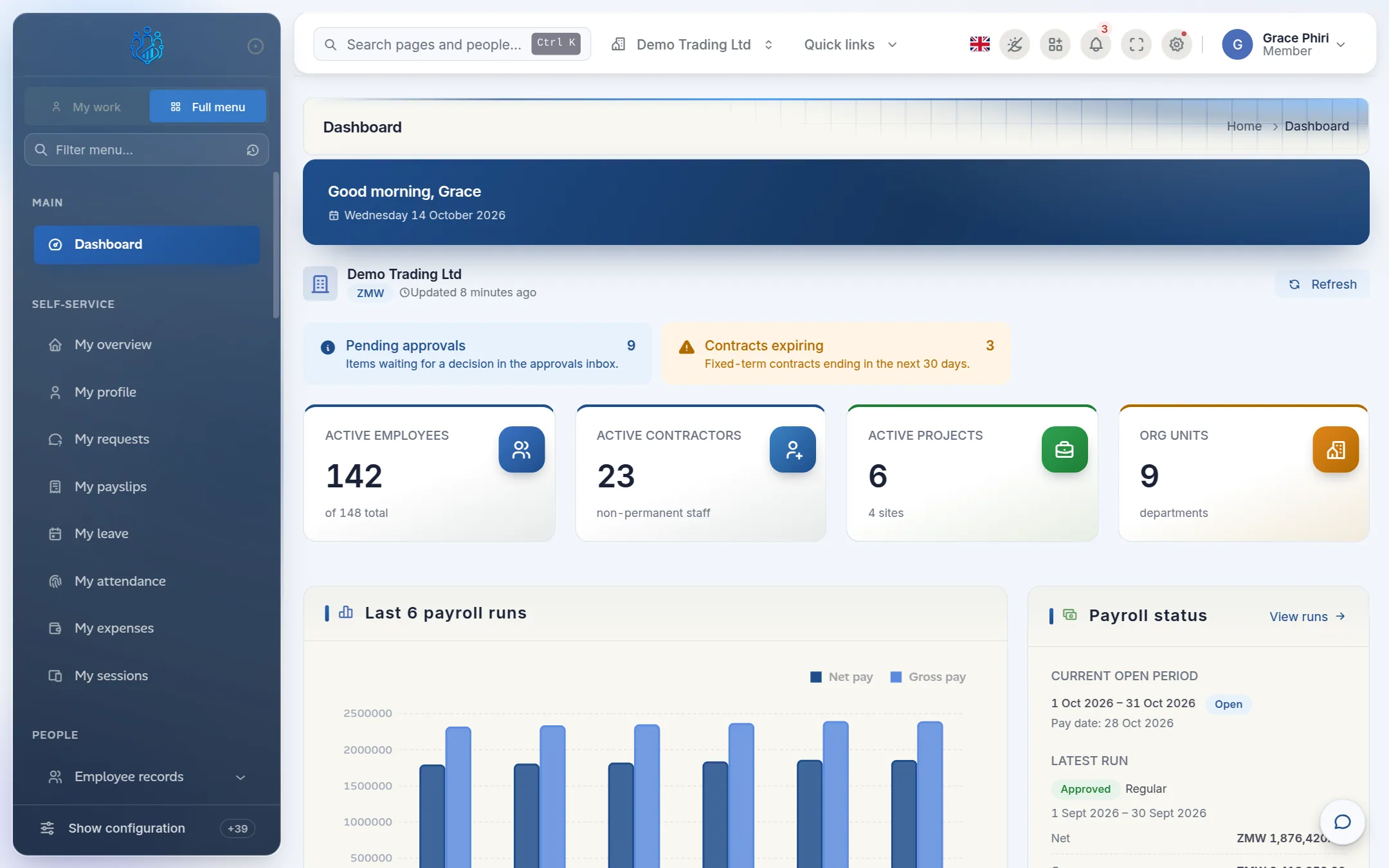
Screenshots use demo data
Every screenshot was taken in a demonstration company, Demo Trading Ltd. Your screens will show your own company, employees and figures. What you see may also differ slightly depending on your role, because Kipdesky only shows the menus and buttons your role allows.