
Appearance
Cost centres
Cost centres let you split your figures by department, branch, site or project, for example to see the profit of the Lusaka warehouse separately from Head office. They're optional. If you don't report this way, skip this page.
Open Finance & ERP › General ledger › Cost centres (a configuration page). Cost centres show as a tree: top-level centres with the centres beneath them.
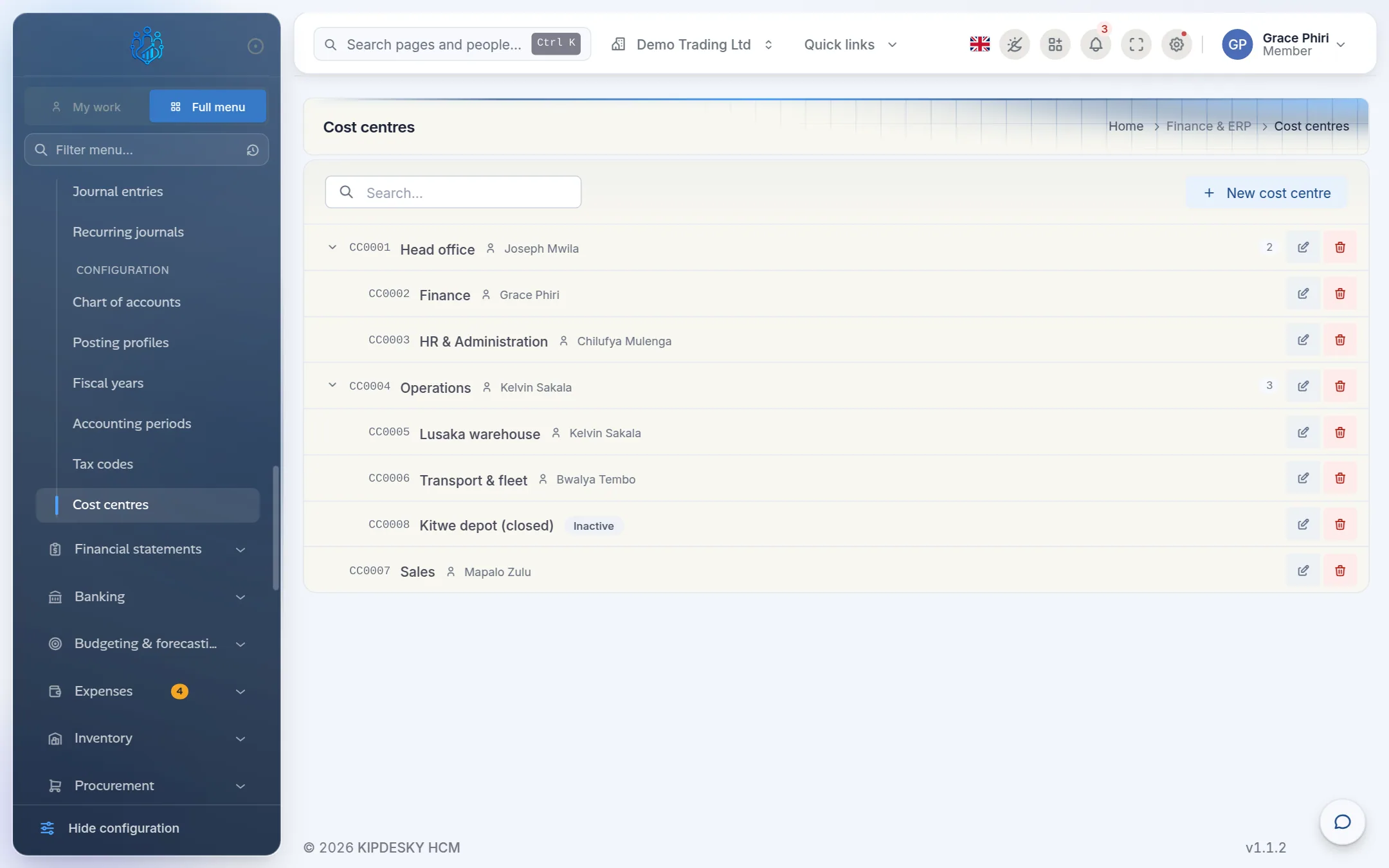
Each row shows the code, the name and the manager. Use the arrow beside a parent to expand or collapse it.
Add a cost centre
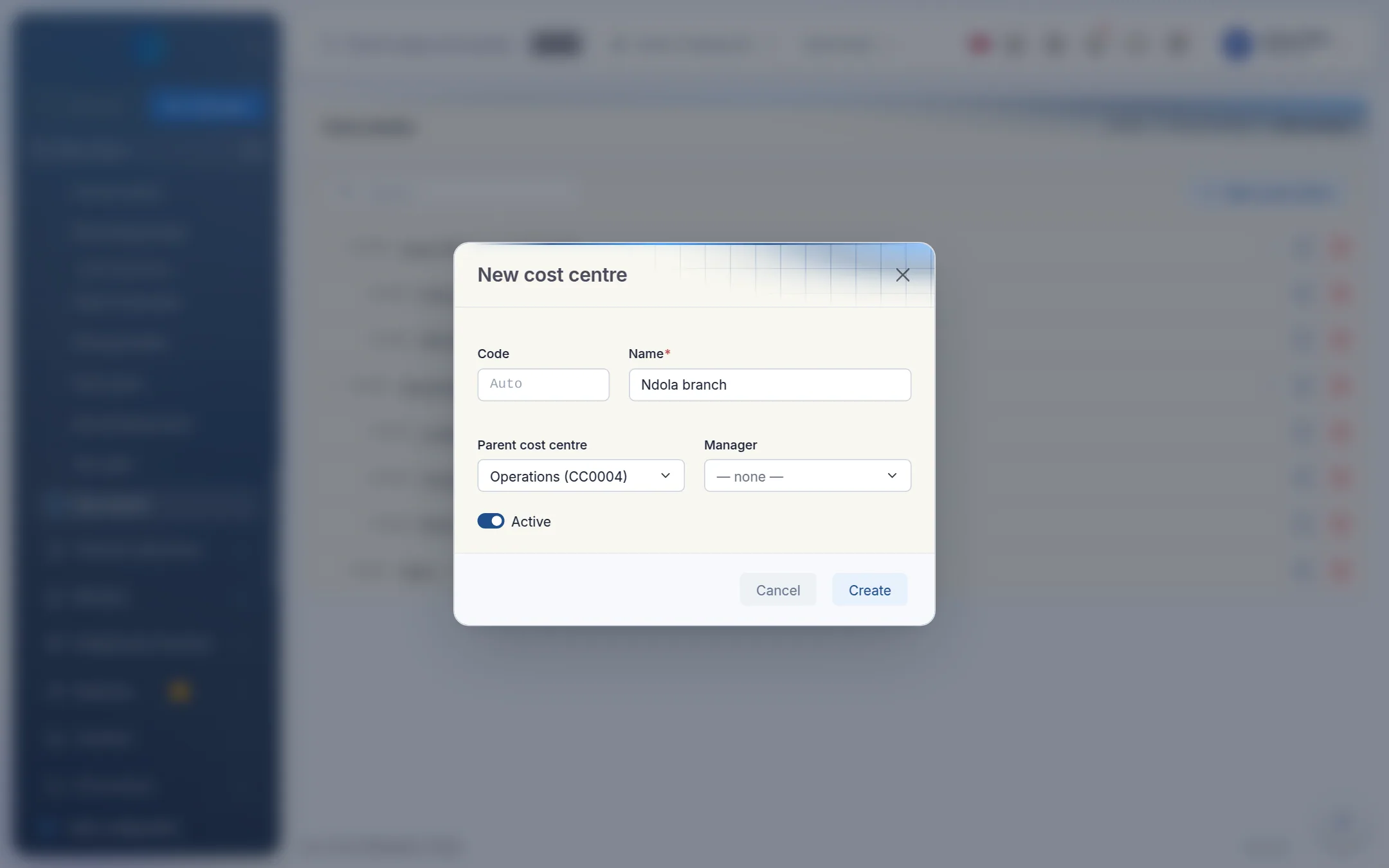
Click New cost centre.
Enter:
- Code: leave blank and Kipdesky numbers it for you (
CC0001,CC0002, …), or type your own. It can't be changed later. - Name: for example Ndola branch.
- Parent cost centre: the centre it sits under, or — top-level —.
- Manager (optional): search for the responsible employee.
- Code: leave blank and Kipdesky numbers it for you (
Leave Active on and click Create.
Using cost centres in reports
The Trial balance, Income statement and Balance sheet each have a Cost centre filter. Choose a centre to see only the figures for it. Leave it on All cost centres for the whole company.
Tips and common mistakes
- Too many centres. Start with the handful of units you actually report on. You can always add more.
- Deleting a centre with history. Make it inactive instead (edit it and switch off Active). Deleting it may break journal entries already tagged with it.
- Mixing up cost centres and departments in HR. HR departments organise people. Finance cost centres organise money. They can match, but they're set up separately.
FAQs
Can a cost centre move to a different parent?
Yes. Edit it and choose a new Parent cost centre. A centre can't be its own parent.
Why does a cost centre report show less than I expected?
The filter only includes amounts that carry that cost centre. Lines entered by hand on a journal entry don't have a cost centre field, so they appear only in company-wide reports. Amounts without a cost centre are never lost. Leave the filter on All cost centres to see everything.